
Risk · NinjaTrader 8
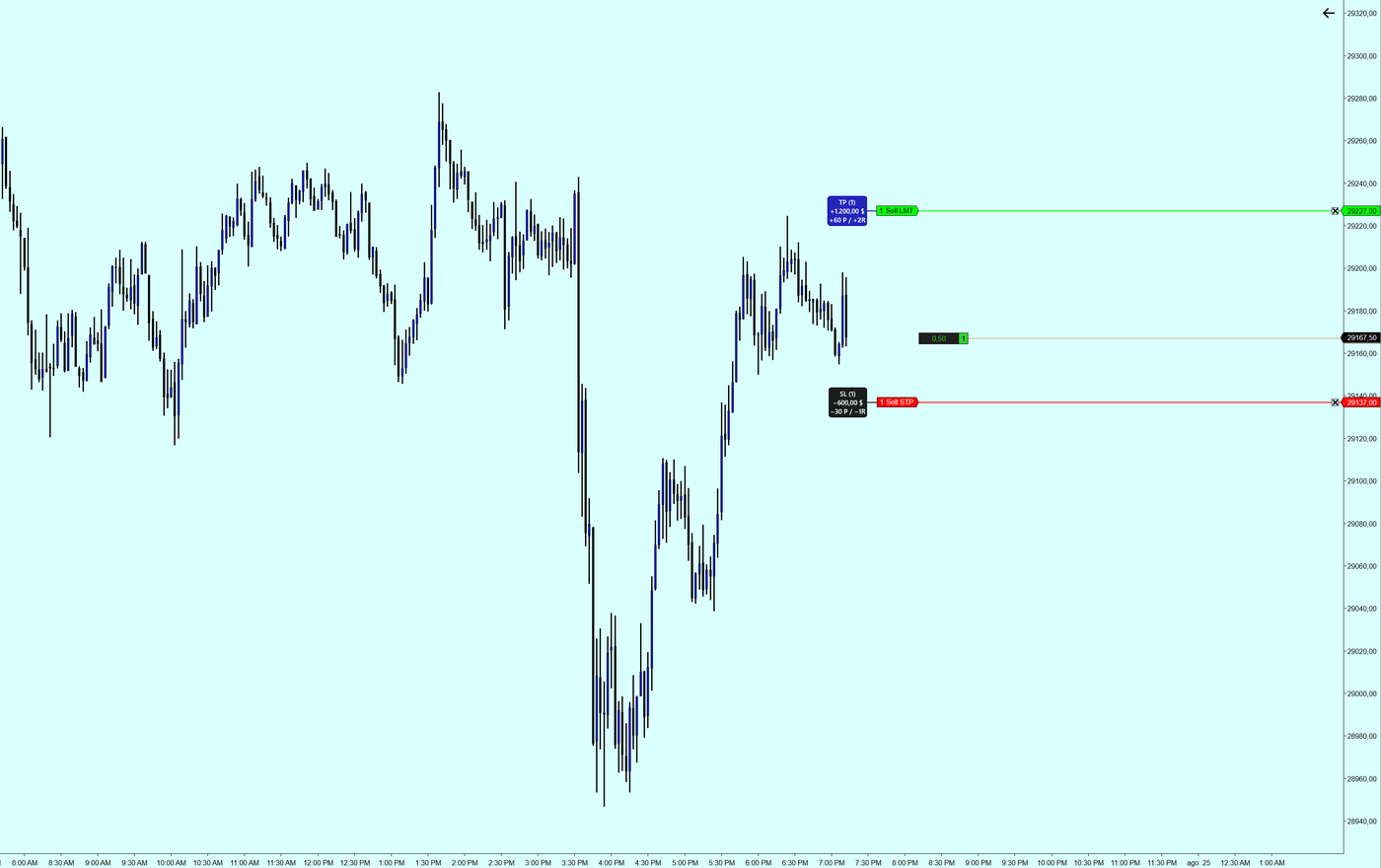
Screenshot of the tool running.
What you are risking, written next to the order.
NinjaTrader draws your orders as a line with a price. This adds what you actually want to know before it fills: how many contracts, how much money, how many points and how many times your risk.
On live orders
It reads the orders working in the account, not a simulation. Move the stop and the box moves with it, figures included.
Four figures per order
Contracts, dollars, points and R multiple, worked out against your average position price — which is not the first entry price if you scaled in.
One account or all of them
Restrict it to a named account, or let it show the orders of every connected one.
What each term means
The names the indicator uses, and what each one means.
- R multiple. How many times the initial risk. A 2R target makes twice what it risks.
- Average price. The average cost of the position when it was entered in parts.
- TP box / SL box. Target and stop, each with its own colour.